
QR reader and scanner
Import an image or use an available camera. Review the decoded destination before opening a link; local URL checks do not guarantee website safety.
iPhone · iPad · Mac
Generator, WiFi & Batch Export
Read a QR image or move a Safari page to your phone. Create Wi-Fi codes and CSV labels, then export PNG, SVG, ZIP or PDF with local QR processing.
 Download on the App Store
Import an image or use an available camera. Review the decoded destination before opening a link; local URL checks do not guarantee website safety.
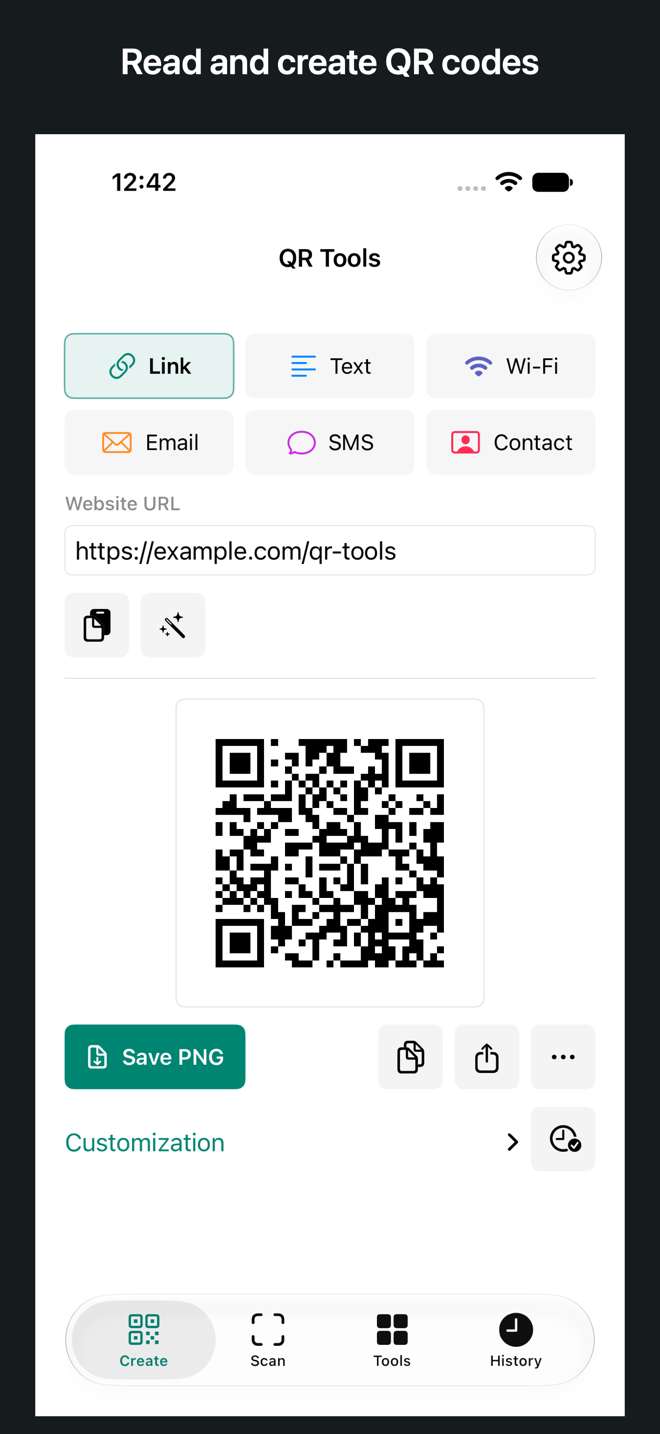
Create codes for URLs, text, Wi-Fi, email, SMS and vCard contacts. Customize colors and correction, then copy, share or export PNG/SVG.
Import up to 100 QR labels. Export PNG/SVG ZIP archives or A4/Letter PDF label sheets. Dense codes may need a larger print layout.
Make guest Wi-Fi, event-entry and menu-link signs with a title and caption. Save PNG, show full screen or print a PDF.
Create a time-zone-aware Google Calendar template-link QR and a separate ICS file. Opening online calendar links requires internet access.
QR generation, image decoding and CSV processing happen on your device. No account is required. Only content you explicitly save enters local App history.
The website works in this browser without an account or saved history. The native iPhone, iPad and Mac App adds manual local history and system file, photo, print and calendar integration. Its Safari extension reads the current page; the website cannot inspect other tabs. The desktop Chrome extension is a separate installation.
Yes. Enable the Safari extension, open QR Tools on the current page and scan the QR with your phone. It shares the page address, not a synced browser session.
QR generation, image reading, CSV processing and local link inspection run on your device. Opening websites or online calendar links uses the destination service.
No. These are static QR codes. Regenerate and redistribute a code when its encoded content changes. Anyone with a Wi-Fi or contact QR can read its encoded details.